
Notice the good moments
Did you do something you are pleased with, big or small? Give the moment a title, pick one to three strengths you used, and write why. It takes a couple of minutes.
LivsStyrker helps you see and put words to your own and other people’s strengths. Take a couple of minutes when something goes well, and you will soon know which strengths are yours.
The app is for iPhone. In the browser, LivsStyrker works on Android, computers and iPhone, with the same account.
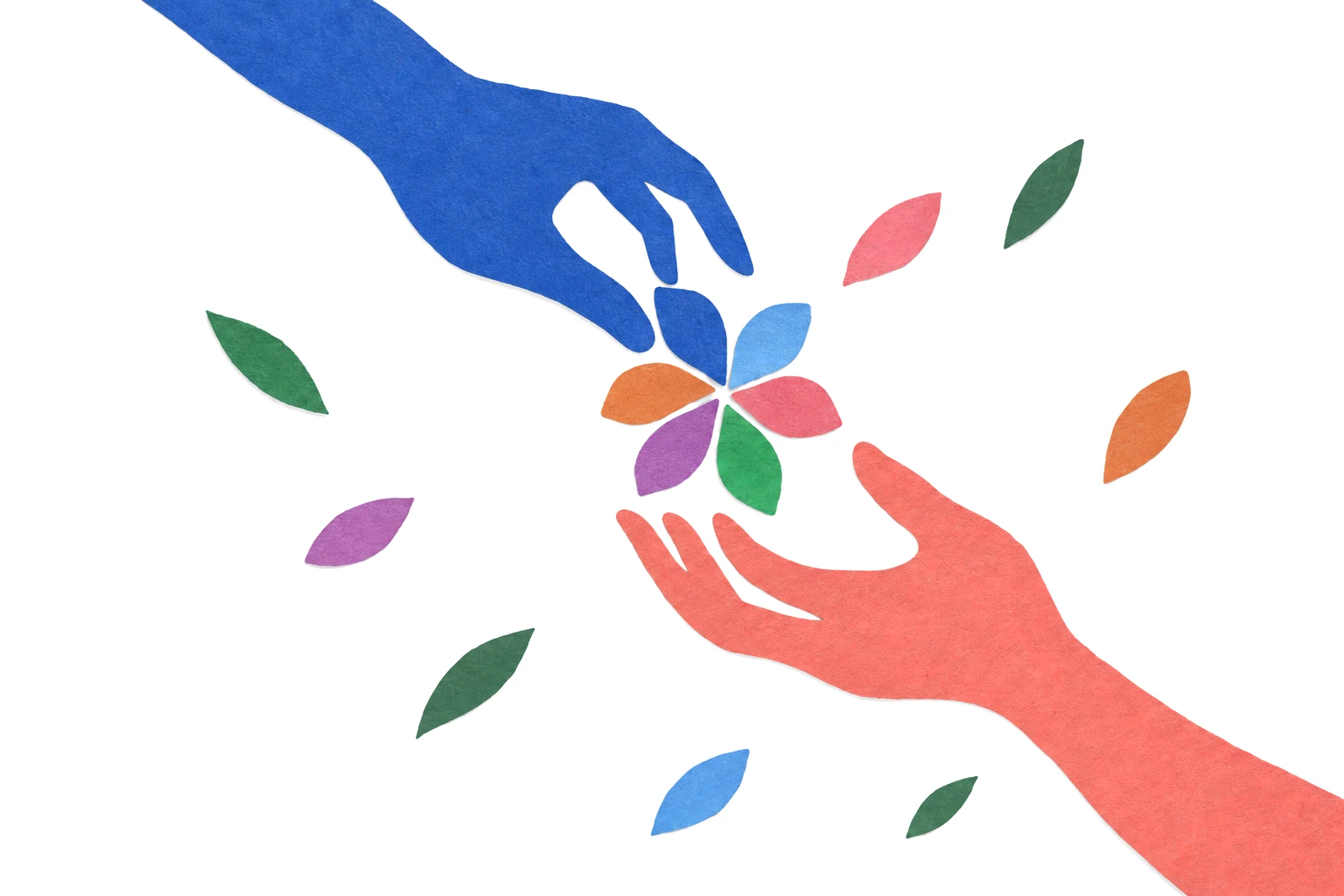
No, not to a South Sea island, but a journey to see and put words to your own and other people’s strengths.
Did you do something you are pleased with, big or small? Give the moment a title, pick one to three strengths you used, and write why. It takes a couple of minutes.
The strengths come from positive psychology and are grouped under six virtues. Each strength has its own card that explains what it means.
Did you see Bravery in a friend or a colleague today? Send the strength with a reason. They get a notification and find the moment in their own profile.
Over time, “My top strengths” shows which strengths you use most, and you can look back at the moments where they showed.
Strengths are personal qualities, such as honesty, perseverance, creativity and gratitude. Everyone has all 24, but uses them to different degrees.

We thrive in communities where everyone gets to use their strengths. Use LivsStyrker on your own, as a good habit, or together with your partner, your family and your friends.
Telling someone which strength you saw in them, and why, does you both good.
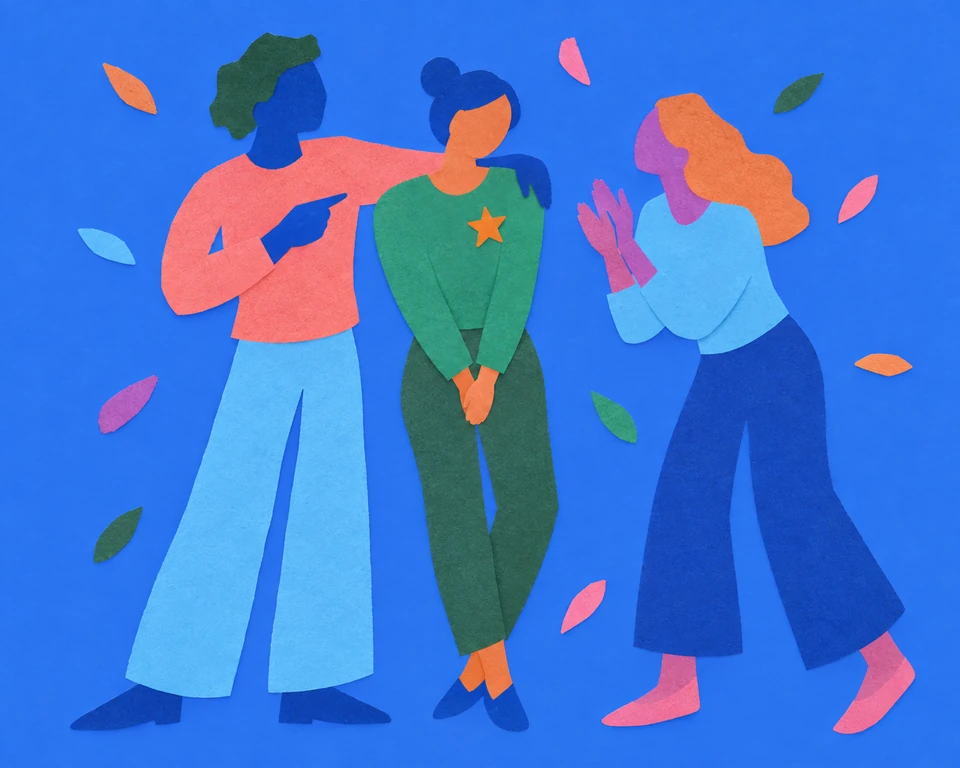
When every employee gets to use their potential, the business succeeds. Colleagues who see and put words to each other’s strengths give feedback that matters, and it becomes easier to put each person where they do their best.
A plan that works: work with strengths in two-week periods, four times a year. Let one person lead the work, start with a short meeting where everyone gets to know the strengths, and let everyone on the team send strengths to at least two colleagues in each period. The strength profile is also a good starting point for performance reviews.

Norway’s Education Act gives every pupil the right to a safe and good school environment that promotes health, well-being and learning. When pupils share proud and happy moments and put words to the strengths they see in each other, they build safe communities where every pupil can reach their potential.
Try it in class: find someone you do not know very well. Tell each other about something you are proud of: what happened, where, who was there and how did it go? Find the strengths in the other person’s story, and send them with a reason.
Nothing. LivsStyrker is free, both the app and in the browser, with no subscription and no ads, and everything is included, sending strengths to others too.
Only you can see your moments. Your contacts can see which strengths you have received most often, but not the moments, titles, photos or reasons.
Share your personal invite link from “Contacts”. When the other person opens the link and taps “Add”, you become contacts. Nobody is added without saying yes.
Yes. The app is for iPhone with iOS 26 or later. On Android, on computers and on older iPhones, you use LivsStyrker in the browser at livsstyrker.no/app, with everything the app can do. You use the same account in both places, and can send strengths to anyone, whatever they use. How to add it to your home screen.
In the app or in the browser, under “Settings”, choose “Delete account”. Your account and all your moments are then deleted for good. Read more about deleting.
Think of one thing you are pleased with, big or small, and see which strengths you used.
The app is for iPhone. In the browser, LivsStyrker works on Android, computers and iPhone, with the same account.